Aim Practice / PRACTICAL GUIDE
One sensitivity number cannot explain every missed shot. Diagnose the movement that goes wrong before adjusting your settings.
Name the error before moving a slider
Overshooting means the crosshair passes the intended stopping point; undershooting means you repeatedly need another swipe. Losing a moving target is a different problem. Describe what happens in a short sentence instead of deciding that the whole setup feels bad. Keep the same weapon, zoom state and practice distance while observing the error. Otherwise several variables change at once and the result tells you little.
Check camera movement and aimed movement separately
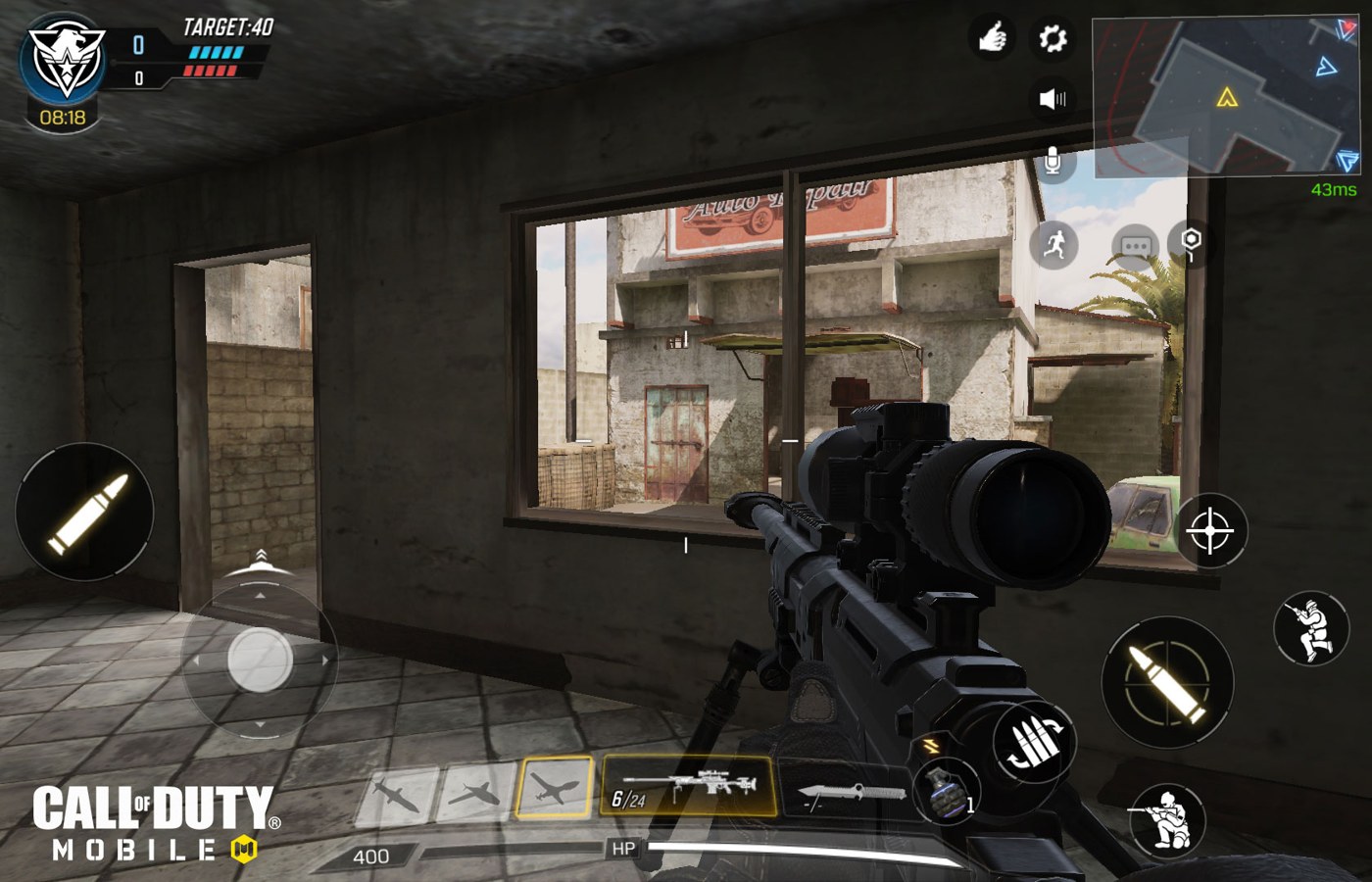
The official boot-camp material distinguishes camera and aiming settings. Current labels and available options may vary, so inspect the settings in your version rather than copying an old menu path. First check a comfortable turn without aiming down sights. Then repeat a small adjustment while aimed. A setting that makes a large turn easy can still make tiny corrections difficult; there is no reason to treat those tasks as identical.
Use small changes and a short written record
Try a modest adjustment in the direction suggested by the repeated error, then perform the same movement several times. Write down the old value, new value and observation. Do not keep changing settings after every missed shot. Fatigue, grip shifts and a different opponent can all alter the feeling of a match without proving that a sensitivity value is wrong.
Evaluate transfer to normal play
Once the practice movement feels controllable, keep the setup through a small block of ordinary matches. Look for repeated overshoots or repeated second swipes, not a perfect score. Restore the baseline if the new setting fixes one movement but makes the rest unmanageable. The goal is a predictable relationship between your finger movement and the view, not a universal number that works for every phone.