Device Setup / PRACTICAL GUIDE
Several control options can influence how aiming feels. Changing them together makes it difficult to understand your own results.
Read the current option before changing it
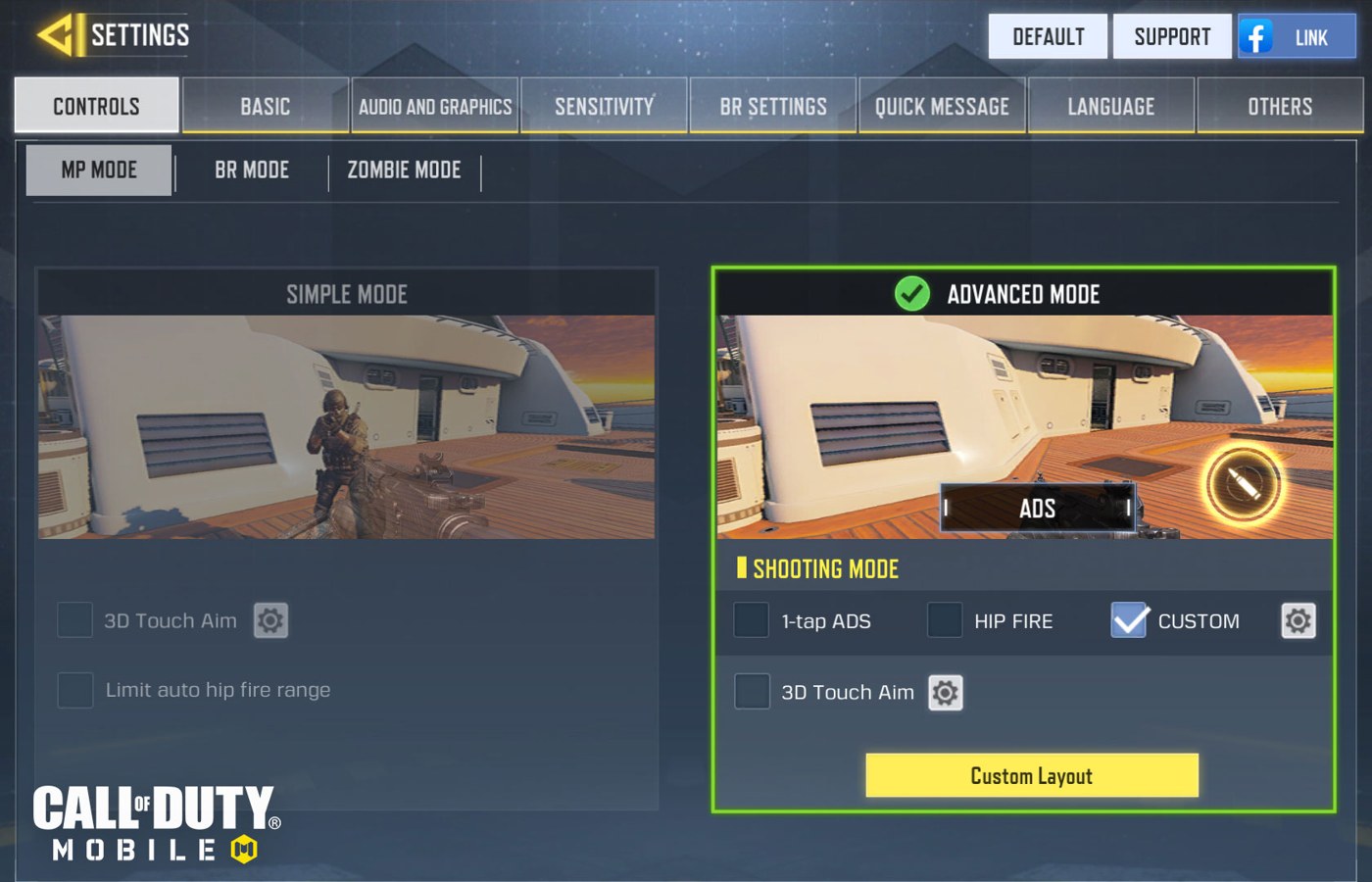
The official boot-camp material describes aiming-related settings, but the live game can change labels and behaviour. Read the description on your own device and distinguish touch input from motion input. If an option is unclear, consult current support material. Do not enable several unfamiliar features at once and then try to infer which one affected an encounter.
Keep the comparison narrow
Use the same grip, weapon and kind of target while comparing one option. A stationary target and a moving target answer different questions, so keep notes on which you used. Avoid copying a claim that a setting is always competitive or always harmful. The relevant question is whether you understand and can control the behaviour in the situations you actually play.
Account for the way you hold the device
Motion-based input, where supported, adds another relationship between posture and the view. A grip that shifts while pressing buttons can make that relationship harder to evaluate. Start with small, comfortable movements and stop if the exercise becomes awkward. Do not interpret strain or a forced posture as a necessary stage of improvement.
Keep or revert with a reason
Write a concrete observation such as repeated over-correction while tracking, rather than a vague verdict about feeling more professional. Keep a change only after it remains understandable in ordinary play. Restore the baseline if the new option adds uncertainty. These are suggested checks, not results from a controlled aim-assist or gyroscope benchmark.