Device Setup / PRACTICAL GUIDE
An unfamiliar menu or a rusty first match does not mean your entire setup needs replacing. Re-establish a baseline before changing it.
Check what actually changed
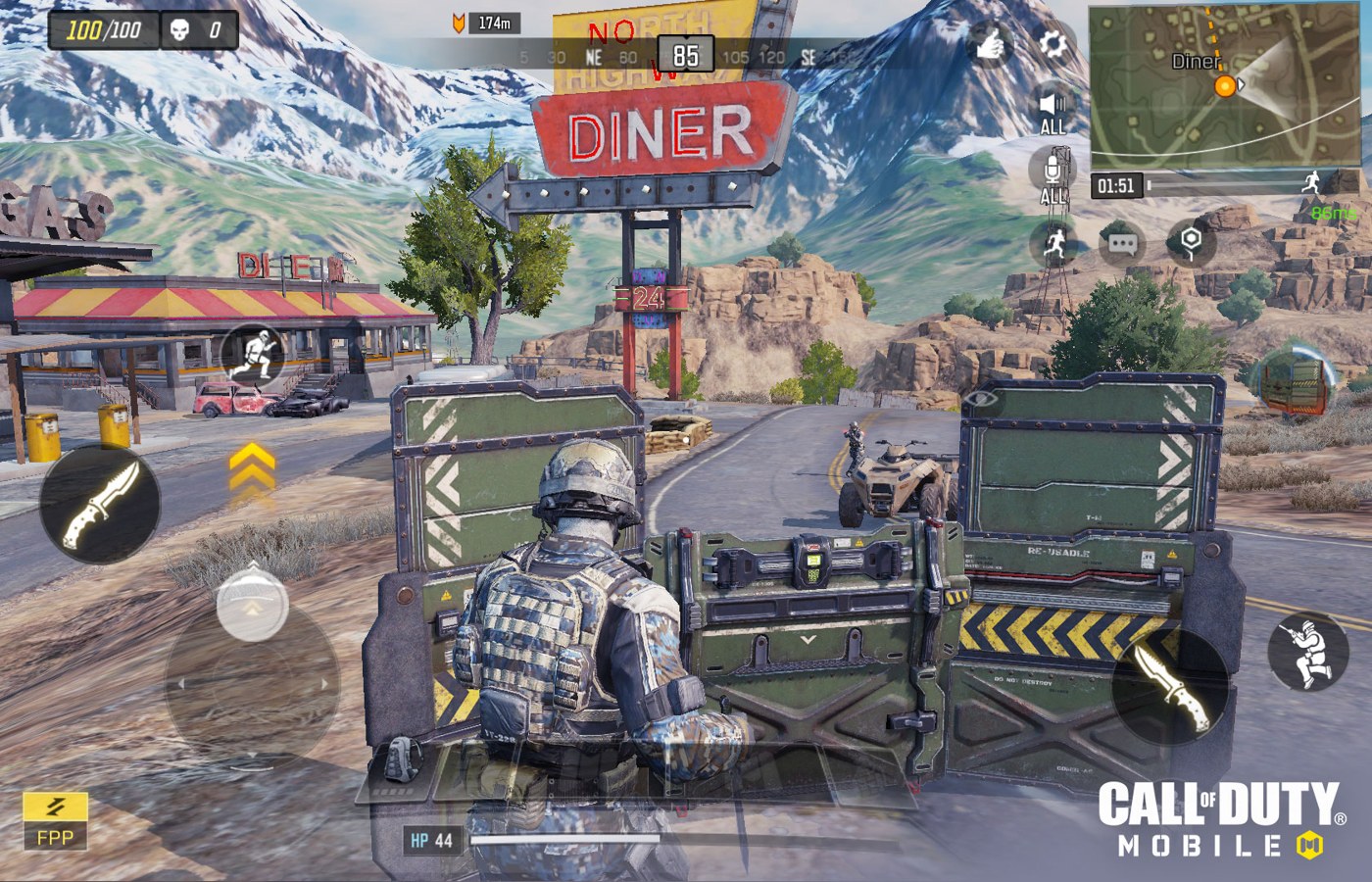
Read the current in-game notices and inspect your control profile. A returning player may encounter different menus, downloads or available modes. The official historical control guide is background, not a substitute for current release information. Confirm that the layout and account are the ones you intended to use before deciding that the game feels wrong.
Use the familiar setup for a short check
Perform a few ordinary movements and paired actions in a low-pressure environment. Look for a missing control or an obvious grip issue. Some awkwardness may simply come from time away, so avoid immediately changing every sensitivity. Save a private copy of the working configuration before experimenting.
Choose a modest first session
Set a short session length and one focus, such as reading routes or keeping callouts concise. Do not use the first result as a judgement of your previous skill or future rank. Take a break if the session becomes frustrating. The aim is to rebuild familiarity and identify a concrete issue, not recover every old habit in one sitting.
Make the next change evidence-led
After the session, separate changed game behaviour from rusty execution and device conditions. Adjust only the issue you can describe clearly. If account or technical problems appear, use official support rather than third-party recovery offers. Never share login codes with someone promising to restore a rank or provide a special control configuration.